Ανάθεση εργασίας
Calendar
Calendar
Create a calendar with LibreOffice Writer. The end result is shown in the figure below. You can also download the attached pdf file.
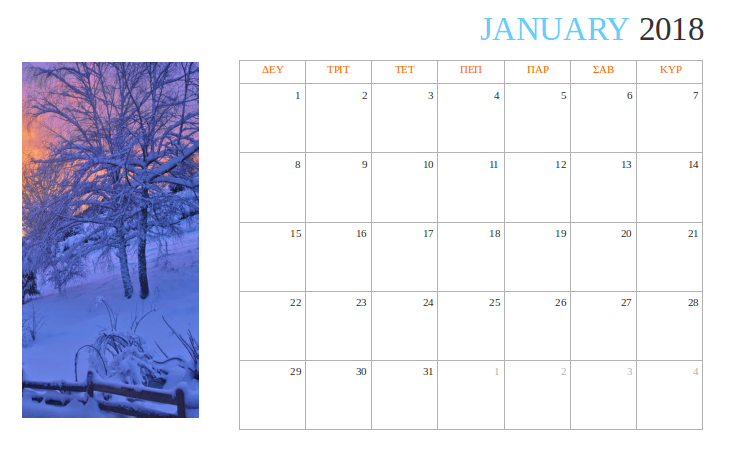
Procedure
-
Create a new document with a landscape page orientation.
-
Set page column layout to Right, two columns with the large column on the right.
-
In the left column enter an image related to each month. Alternatively you can enter two smaller pictures.
-
Enter a column break character after the image.
-
In the next column enter the name of the month and year.
-
Enter a table of 5 columns and 6 rows.
-
Type the text in the cells.
-
Adjust the height of the table rows so that it does not exceed the page boundaries.
-
Format the text and the table.
Watch the video with instructions
- 10 Μαΐου 2018, 4:50 PM
- 10 Μαΐου 2018, 4:50 PM